

At cost Avocado POS Station
Everything your counter needs, at cost.
Your iPad on a sturdy stand, running Avocado on day one. Add a reader and you're open. No lease. No monthly bill.
From $150
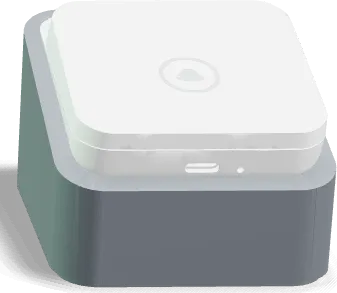
Stripe M2 Reader + Stand
Tap, dip, or swipe. Stand included.
$80 · reader + stand, you own it
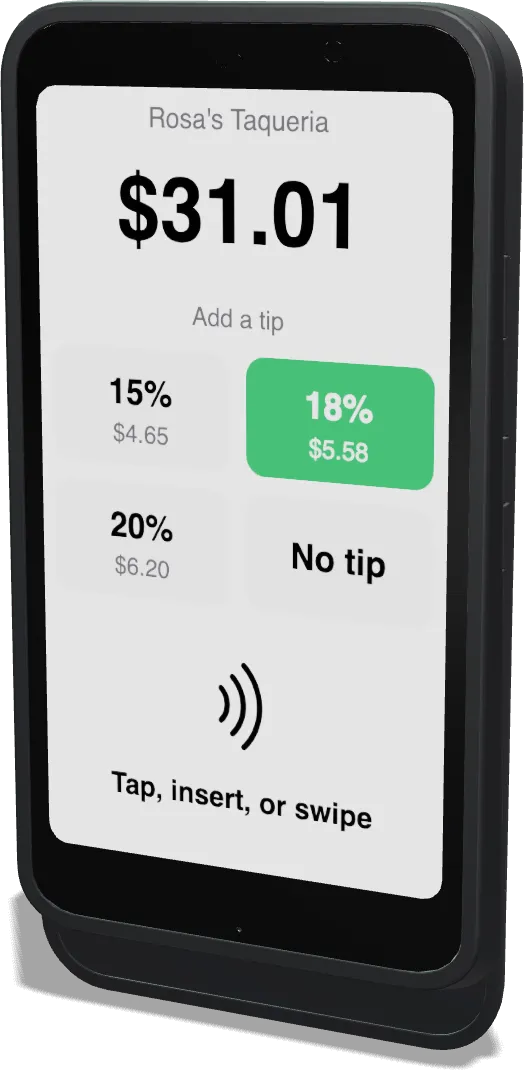
Stripe S710 Reader
Customers tap, tip, and pay.
$300 · you own it
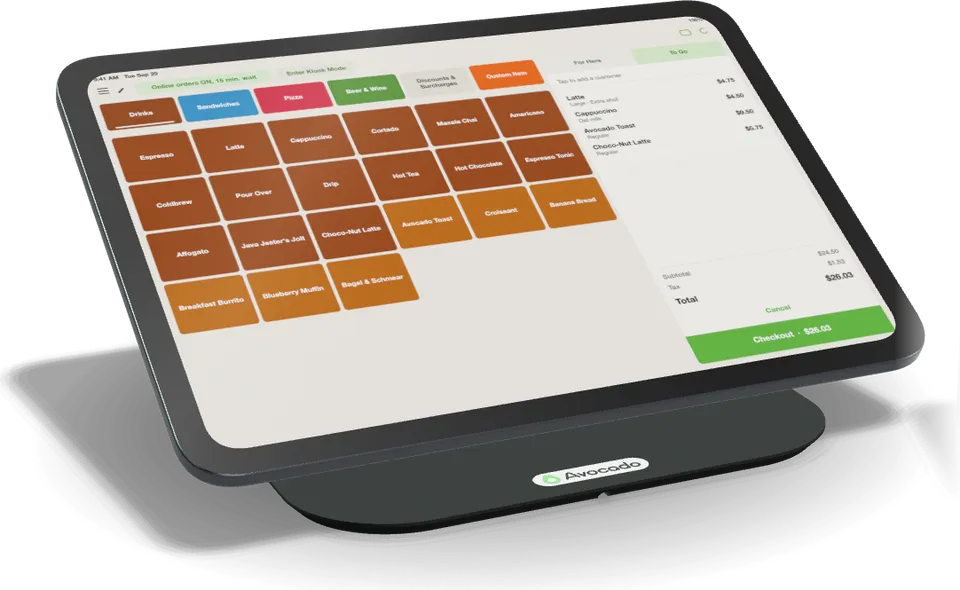
Point of Sale
Your iPad, mounted and ready.
$150 · you own it
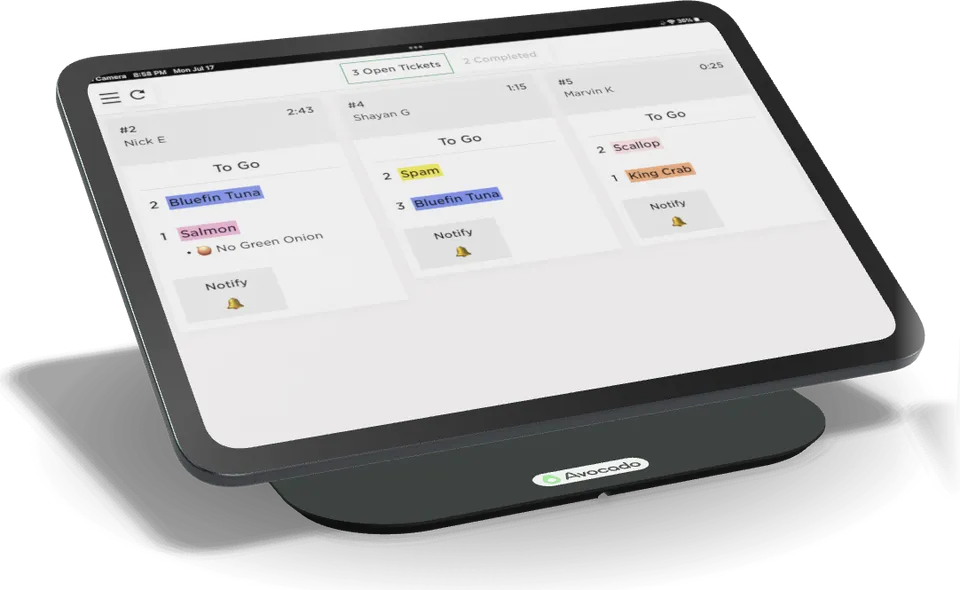
Kitchen Display (KDS)
Tickets on a screen, not paper.
$150 · you own it
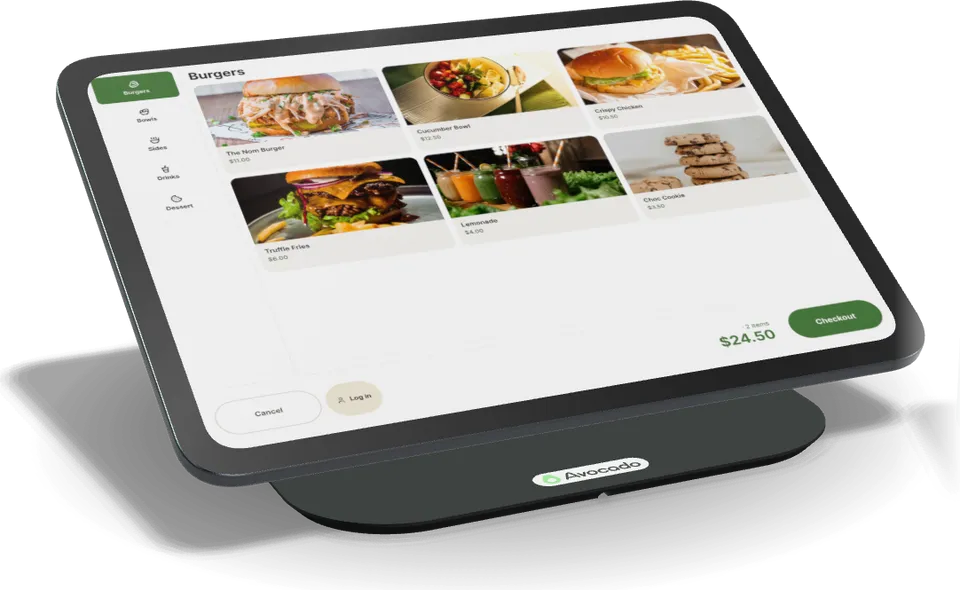
Self-order Kiosk
Let the line order itself.
$375 · you own it
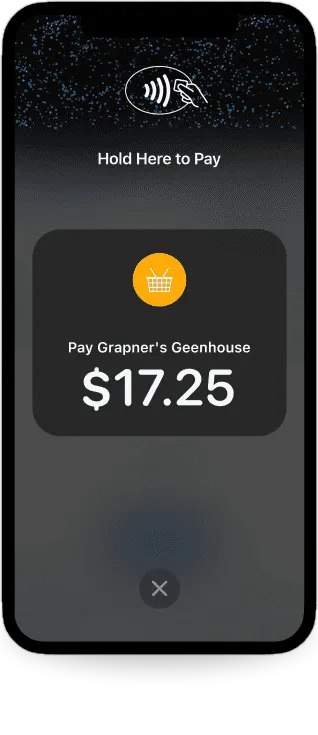
Tap to Pay on iPhone
No reader. Just your phone.
$0 · no card reader needed
Accessories
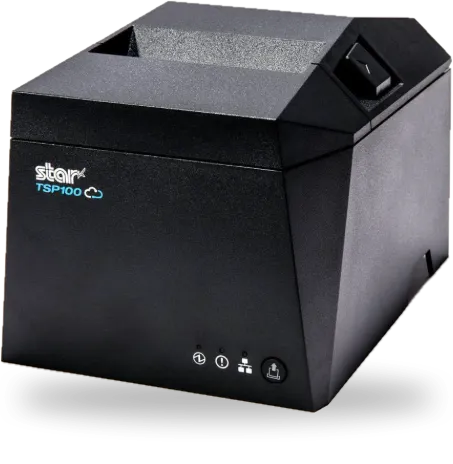
Star TSP143IV Receipt Printer
$400 · you own it
Sticker / Label Printer
$400 · you own it
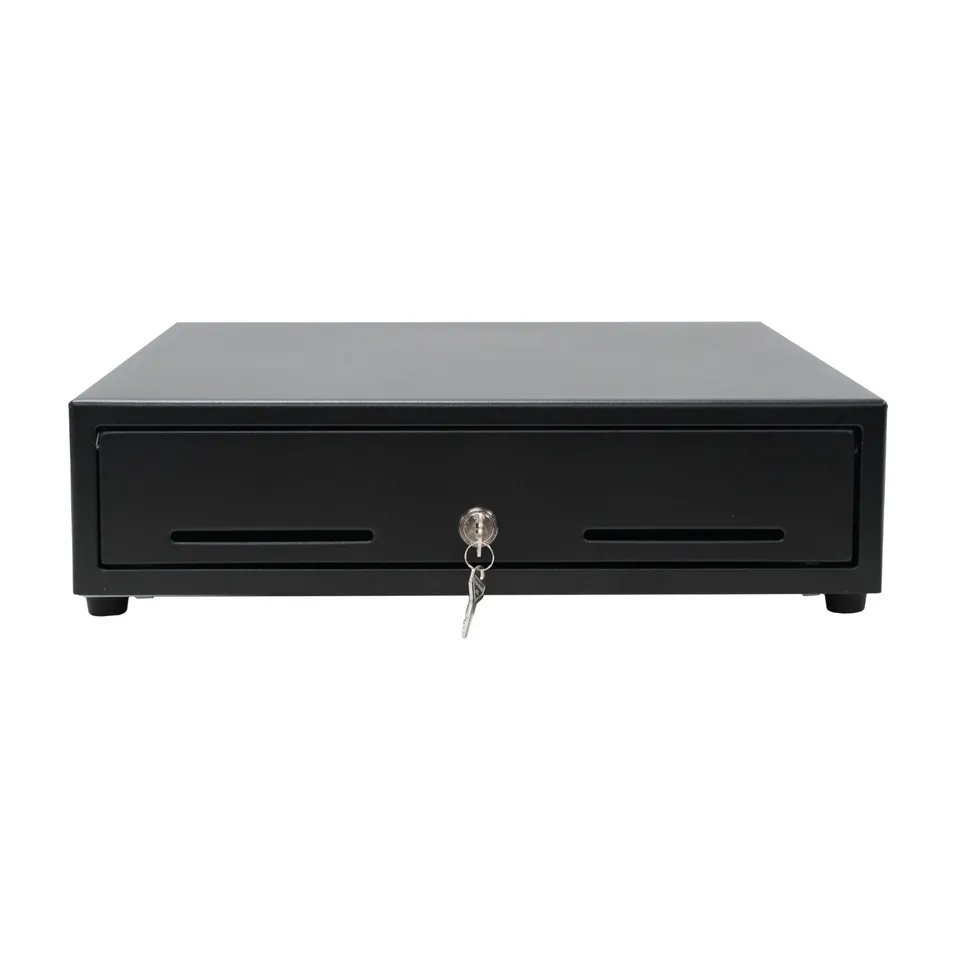
Cash Drawer
$50 · you own it
Hardware kits
Everything you need, bundled. Same at-cost prices.
Food truck kit
One window, one line
$230
Point of sale · M2 reader + stand
Counter kit
Cafés and quick service
$1,050
Point of sale · kitchen display · S710 · receipt printer · cash drawer
No reader needed
Tap to Pay on iPhone.
Take contactless cards, Apple Pay, and Google Pay right on the iPhone in your pocket. $0 a month.
Already have an iPad? Bring it.
Avocado runs on the iPad you own, iPad Mini too. Add a reader and you're open. The software is $0 a month either way.
Restaurant POS hardware questions
- What POS hardware does a restaurant need?
- Most counters run on an iPad on a POS stand plus a card reader. Add a kitchen display system so tickets show up on a screen in the kitchen, a receipt printer, and a cash drawer if you take cash. A food truck can start with just an iPad stand and an M2 reader.
- Can I use my own iPad?
- Yes. Avocado runs on the iPad you already own, iPad Mini included. Add a card reader and you can start taking orders.
- Do I have to lease the hardware or sign a contract?
- No. Hardware is sold at cost and you own it. There is no lease, no contract, and the software is $0 a month.
- Which card readers work with Avocado?
- Avocado works with the Stripe M2 reader for tap, dip and swipe at the counter, and the Stripe S710, a customer-facing reader with its own screen for tipping. Or skip the reader and take cards right on your iPhone with Tap to Pay.
- Does Avocado have a kitchen display system?
- Yes. The Avocado kitchen display system (KDS) runs on an iPad on a stand and shows every order, from the POS, online ordering, kiosk and delivery apps, in one place.