
 / Tap to Pay
Tap to Pay on iPhone for food vendors Your phone is the register.
The mobile POS app with no monthly fee. Take cards on your iPhone at farmers markets, pop-ups, food carts, and ghost kitchens.
- No card reader
- $0 a month
- Approved in minutes
The Food Corridor
Partners in getting kitchens selling.
We teamed up with The Food Corridor to help food businesses in shared and commissary kitchens take payments from day one. Find Avocado in your TFC Marketplace.
Food businesses already selling with Avocado





































Built for your first farmers market. Ready for your first storefront.
 Farmers markets
Tap, done, next customer.
Works with no signal. Items mark themselves sold out.
 Pop-ups
Sell out before you set up.
Take pre-orders and scheduled pickups. Pay $0 between events.
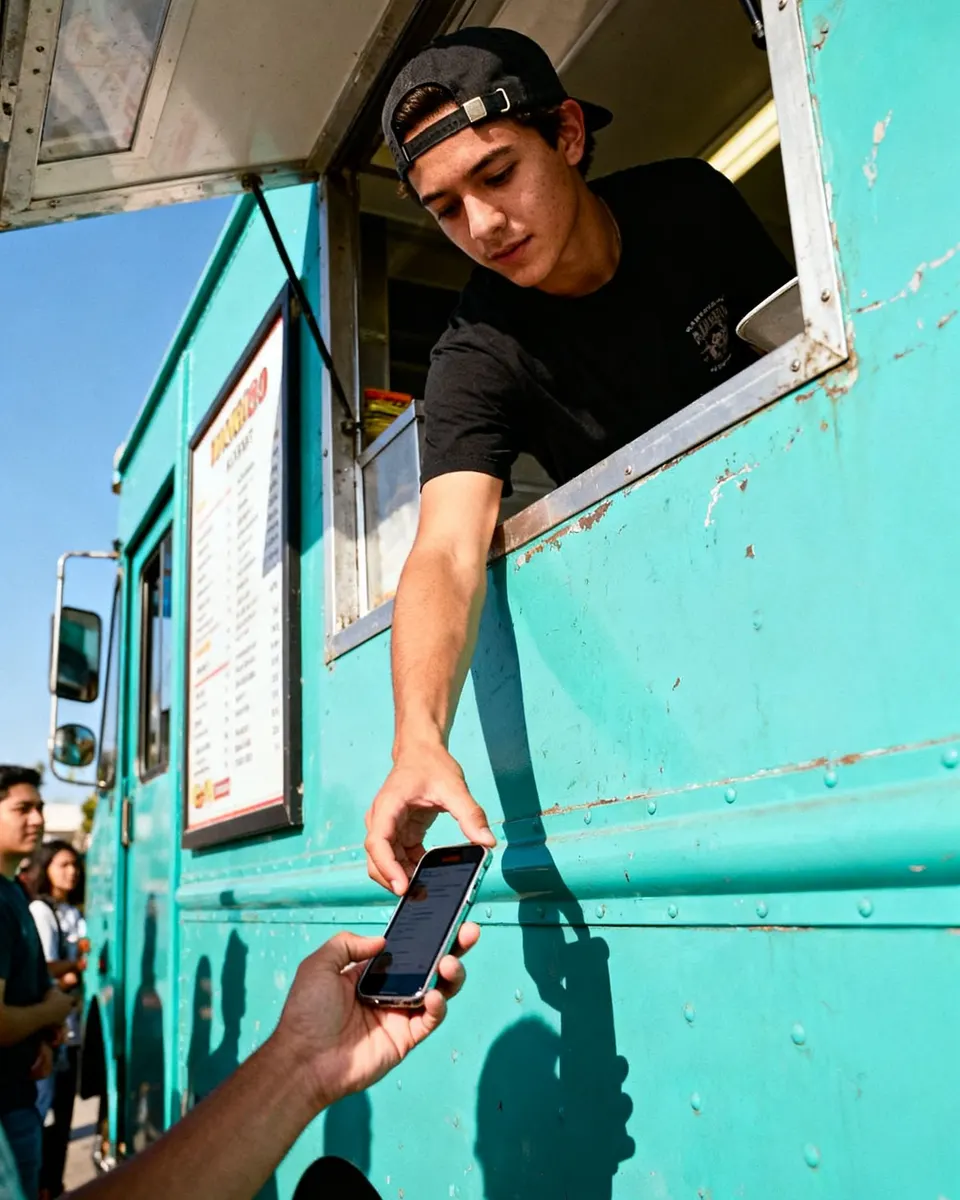 Food trucks & carts
Get paid down the line.
Walk the line and take orders before the window backs up.
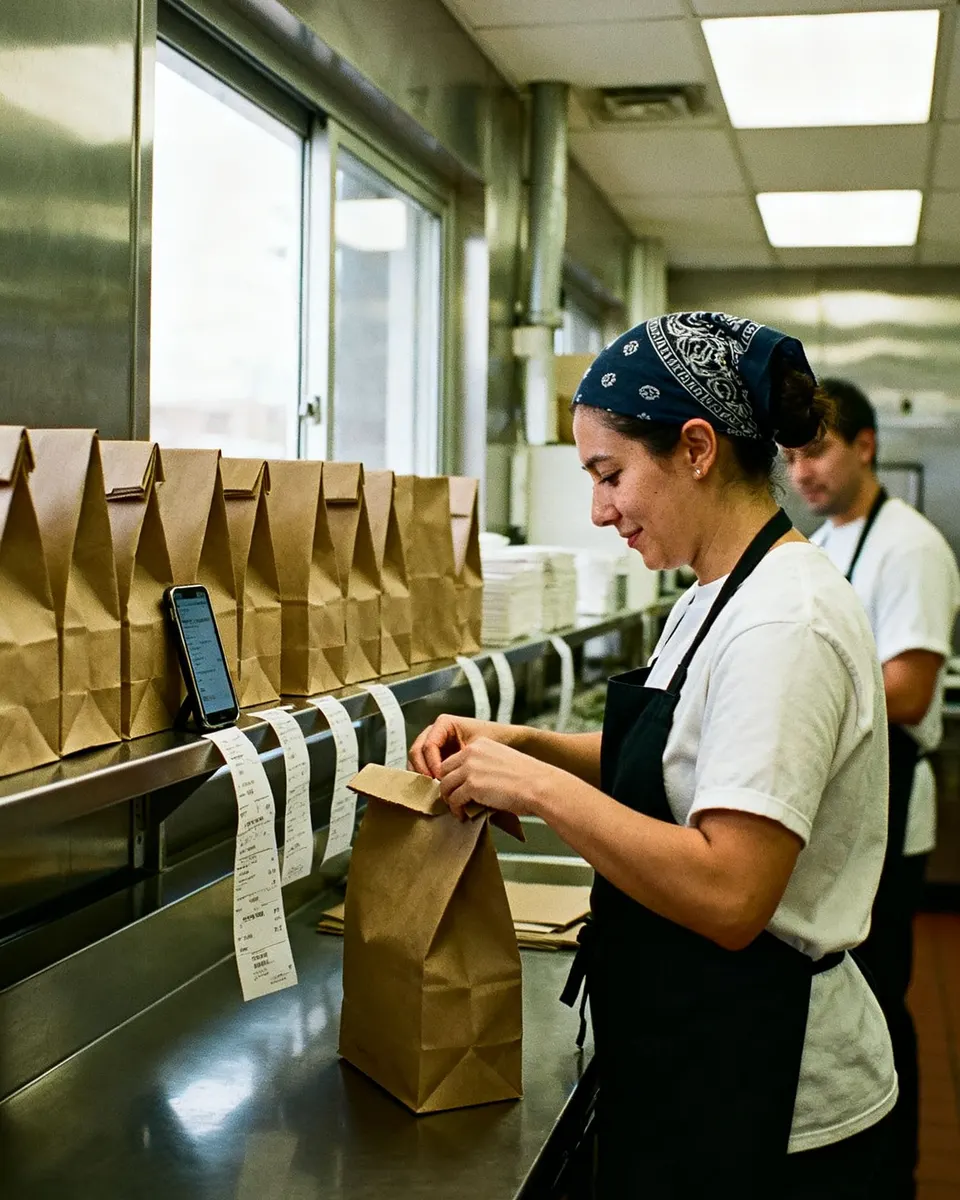 Ghost kitchens
Every order, one screen.
Online ordering plus DoorDash, Uber Eats, and Grubhub.
Start with your phone. Add gear when you’re ready.
Same account the whole way. Your menu, customers, and sales history come with you.
- 1 · Day one
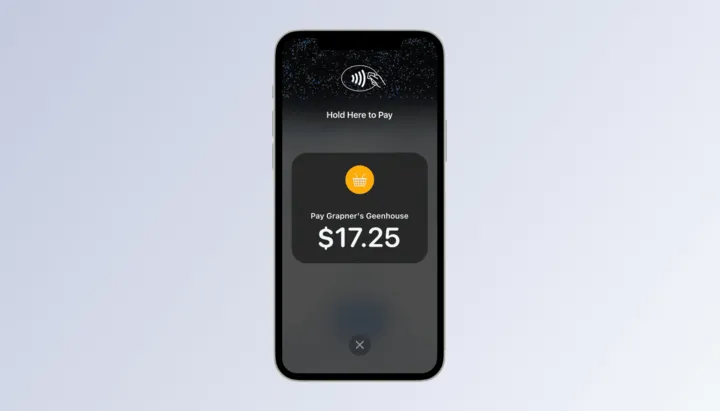
Just your phone
Tap to Pay, your menu, and pre-orders. Nothing to buy.
- 2 · Your first truck
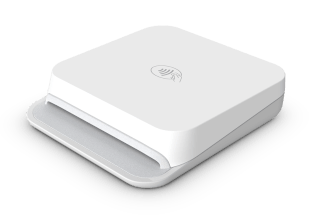
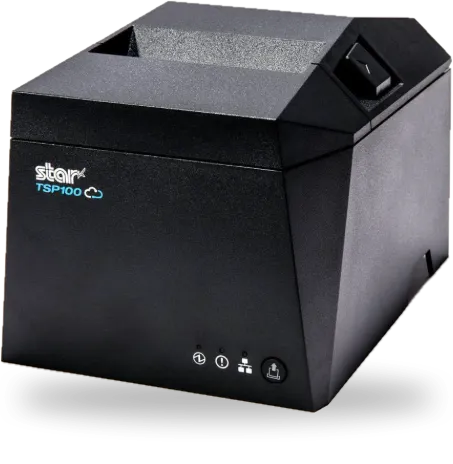
Add a reader and printer
A pocket card reader and a ticket printer, sold at cost.
- 3 · Your storefront
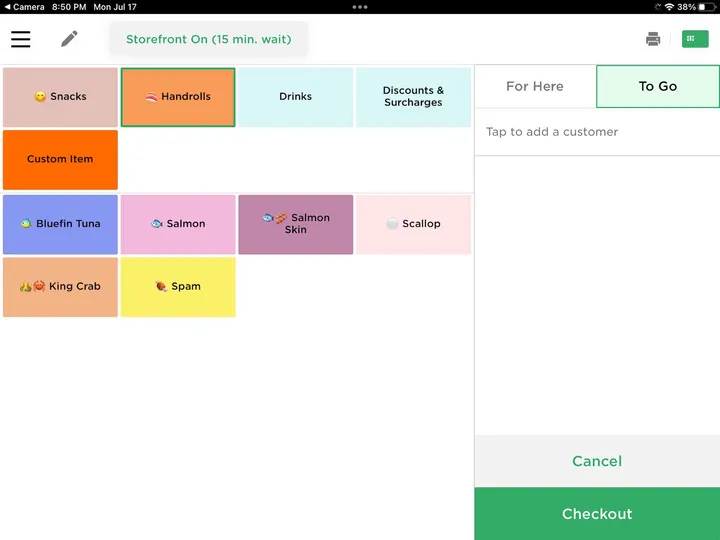
Run the whole restaurant
iPad register, kitchen display, online ordering, and loyalty.
You only pay when you sell.
5% + 15¢
per card sale. You choose who pays it.
- No monthly fee
- No setup fee
- No contract
- No hardware
- Your customer pays
- $12.75
- You keep
- $12.00
100 sales like this at the market puts $1,200 in your bank the next day.
Selling this weekend in 3 steps.
- 1Download AvocadoFree on the App Store. Get approved in minutes.
- 2Add your menuOr send it over and we’ll build it.
- 3Tap to get paidCards, Apple Pay, and Google Pay on your iPhone.
“We chose Avocado primarily because of the customer service. Our favorite feature of working with Avocado is that we don't have fees! It removes a huge burden from small businesses, especially when you're starting out.”
 MarioOwner, Pinches Tacos · San Diego, CA
- Payouts
- Next day
- Real-person phone support
- 7 days
- A month, every month
- $0
Questions before your first sale.
Call or text (512) 580-7988. A real person picks up.