
A restaurant website costs anywhere from $0 to $10,000+ upfront, plus somewhere between $15 and a few hundred dollars a month. That range is useless on its own, so here's how it actually breaks down, what you're paying for at each level, and the one question that matters more than the price: does the site make you money or just sit there?
I've sat across the table from a lot of owners who paid for a website and couldn't tell me what it did for them. Usually the answer was nothing. It had last spring's menu, hours that were wrong, and an "Order Online" button that sent people to a delivery app that took a cut of every order. They paid for a website and got a digital flyer.
What are the options, and what does each one cost?
There are four ways most small restaurants and food trucks end up with a site. Here's what each one really costs over the first year.
Option | Upfront | Monthly | Who does the work | The catch |
|---|---|---|---|---|
DIY builder (Wix, Squarespace, etc.) | $0 | A monthly plan if you want your own domain | You | Your time, and it's on you to keep it current |
Freelancer or agency | Hundreds to several thousand dollars | Hosting and updates, often billed separately | Them, once | Every menu change after launch is a new invoice or a slow email |
Website bundled with your POS or ordering platform | Often $0 | Often a monthly add-on | Mostly you, with templates | Usually looks like every other site on the platform |
Done-for-you restaurant site with a flat monthly fee | A one-time build fee | A flat monthly fee that covers changes | Them, ongoing | Make sure "changes" actually means changes, not a ticket queue |
The sticker price is the smallest part of the cost. The two things that actually decide whether a site is cheap or expensive are who updates it and where the order button goes.
Why does "who updates it" matter so much?
Because your menu changes. Prices go up when beef goes up. You add a seasonal item, drop one that didn't sell, change your hours for winter, move your truck to a new spot on Fridays.
If the person who can change the website is you, at 11pm, after close, it won't happen. I've seen it over and over. The site goes stale within three months, and a stale site is worse than no site. A customer who shows up for an item you stopped selling, or drives over during hours you're no longer open, doesn't come back.
If the person who can change it is a freelancer you paid once, every update becomes a negotiation. Most owners just stop asking.
So when you price out a website, price out the updates. Ask:
How do I request a change?
How fast does it go live?
Is that included, or billed per change?
Will I talk to a real person, or file a ticket?
Where should the "Order Online" button go?
This is the part that can make a website pay for itself or quietly cost you money.
A lot of restaurant websites put an order button on the homepage that sends people to a third-party delivery app. That customer already found you. They searched your name, landed on your site, and wanted to order. Then the button handed them to a marketplace that charges you a commission on that order and keeps the customer's contact info.
That's the most expensive click on your whole site. It's someone who was going to order from you anyway, and you're paying a middleman for the privilege. (I wrote more about that trade-off in third-party delivery vs. in-house delivery.)
The order button on your website should go to your own online ordering: orders that land on your POS, on your terms, with the customer's info staying with you. If you don't have that set up yet, here's how to set up online ordering.
What should a restaurant website actually include?
Skip the fancy stuff. Here's the checklist that matters:
Your menu as real text, not a PDF or a photo. Google can't read a photo of your menu well, and neither can a customer on a phone with bad signal.
Hours and location that are right today. For trucks, where you'll be this week.
An order button that goes to your own ordering. See above.
Built for phones first. Most people find you on their phone, standing on the sidewalk or sitting in their car.
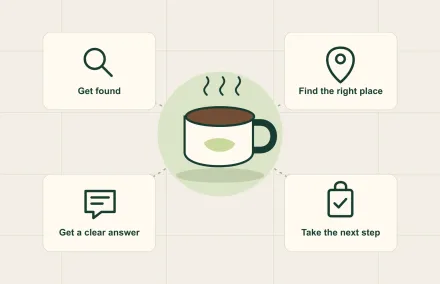
Basic local search setup. Page titles, descriptions, and your business details set up so you show up when someone nearby searches what you sell.
A catering and events form. Catering and private events are some of the biggest tickets you'll ever get. A simple form that asks for date, location, headcount, and details, and sends it straight to you, turns your site into a catering lead machine.
Your photos, your colors, your story. People buy from people. A template with stock photos of someone else's burger doesn't sell yours.
If a site has all seven, it's doing its job. If it's missing #1, #2, or #3, it's costing you.
Is a free website builder good enough?
Honestly? It can be. If you're comfortable with the tools, have a few hours a month to keep it current, and you'll actually do it, a DIY builder is the cheapest option and there's nothing wrong with it.
Where it breaks down is the "actually do it" part. Most owners I talk to aren't short on ability. They're short on hours. The site gets built in a burst of energy before opening and then never touched again. If that's you, the cheapest website is the one someone else keeps current.
Do food trucks need a website?
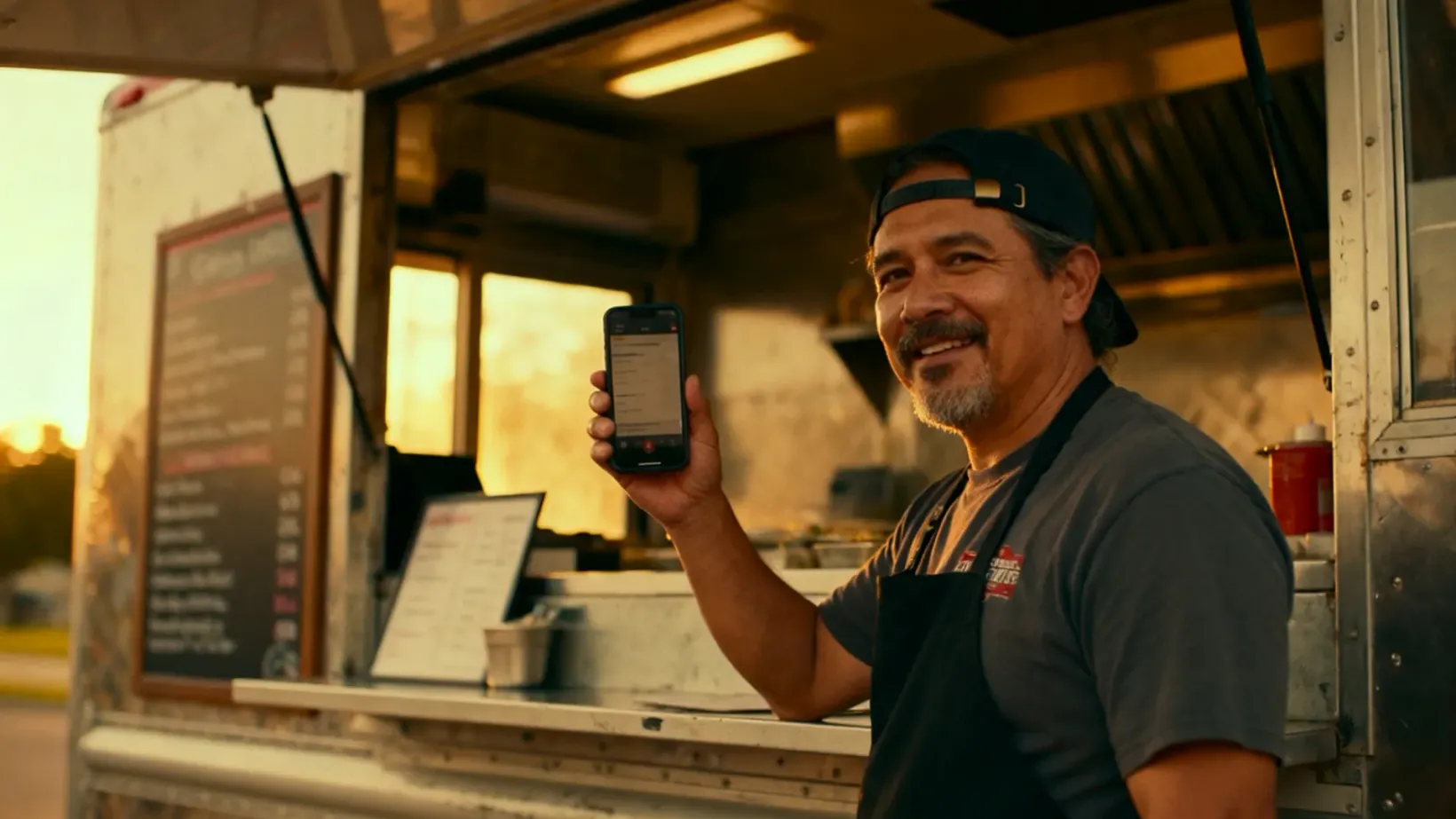
Yes, maybe more than restaurants. A restaurant has a sign on a building. A truck moves. When someone sees your truck at a brewery and wants to find you again next week, they search your name. If the only thing that comes up is an Instagram account with a post from three weeks ago, you've lost them.
A truck site needs three things above everything else: where you'll be, what you're serving, and a way to book you for catering. That last one is where a lot of trucks make their real money. (More on getting a new truck noticed in marketing a new food truck.)
Where doing it yourself breaks down
The pattern I see: an owner spends a weekend building a site, it looks good, and then service starts. Six months later the menu is wrong, the hours are wrong, the order button goes somewhere that charges them, and there's no catering form at all. Nobody did anything wrong. Running a kitchen just wins every fight for your time.
That's why we built our own website program at Avocado. We design a custom site around your food and brand. No templates, your photos, your menu. The order buttons go straight to your Avocado online ordering, so orders land on your POS with no third-party commission. We set it up to be found on Google, design it for phones first, and add a catering and events booking form that sends requests straight to you.
It's $200 to build, then $15 a month, and the monthly covers changes. Menu, hours, photos, design: you ask, a real person makes the change. You get a first draft in about 2 days, edit it as many times as you want, and it's usually live within a week.
If you don't have a website yet, we'll build your first one. If you have one that isn't bringing in orders, we'll rebuild it. You can see sites we've built and book a free consult here.
Avocado is a restaurant POS built for small operators: 5% + 15¢ per card payment, with every feature included and zero monthly software fees. Custom websites are the one optional add-on, at $200 to build and $15 a month.