
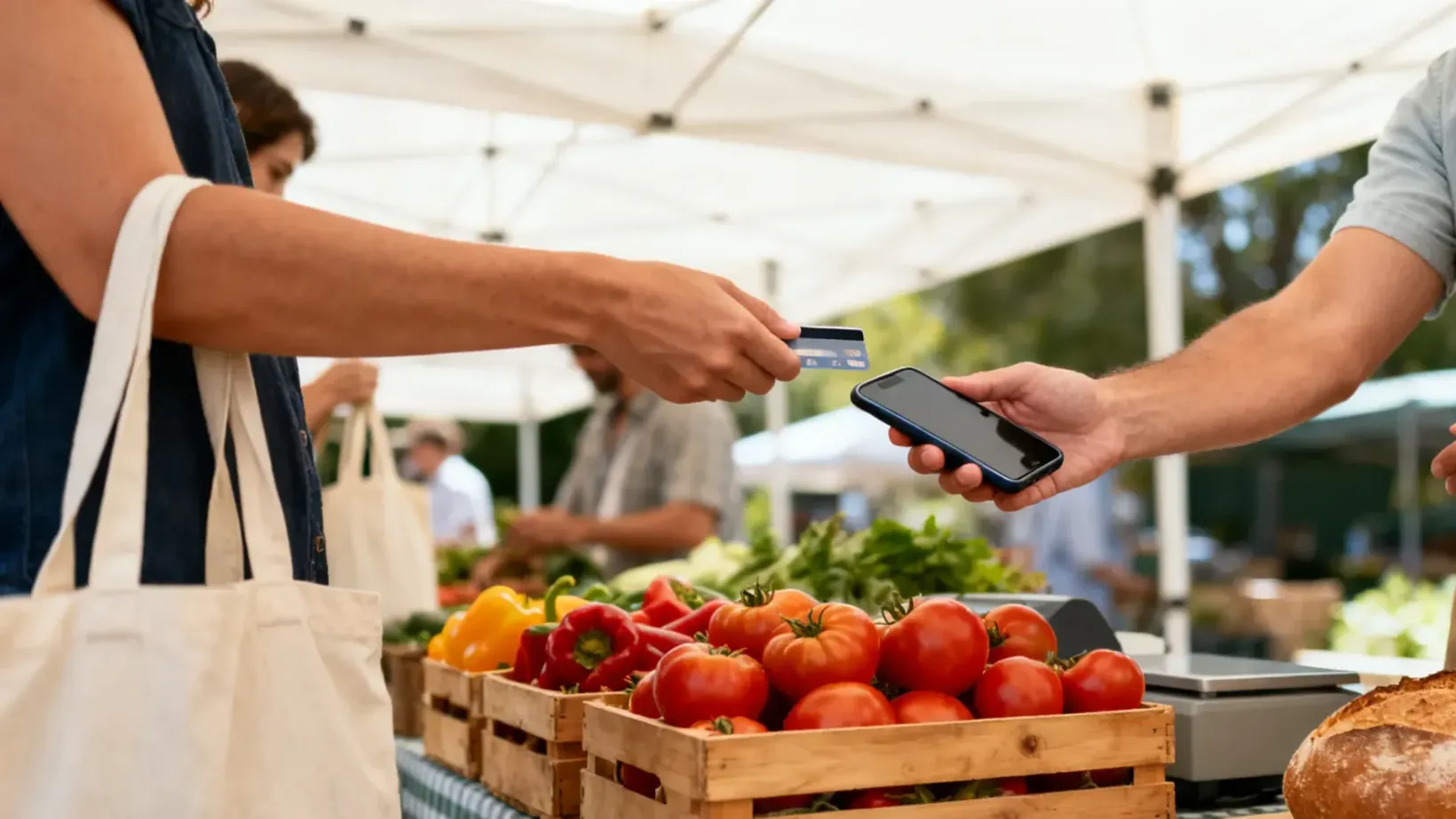
Short answer: you don't need a card reader anymore. Download a POS app that supports Tap to Pay on iPhone, put your menu in it, and customers tap their card or phone right on the back of your iPhone. Then plan for the three things that actually go wrong at a market: no signal, a dead battery, and a line you can't clear fast enough.
I started Bun Boiz as a street food stall before it was ever a restaurant, so I've done the folding-table version of this. The setup decisions feel bigger than they are. The fee and the backup plan are what matter.
What are your options for taking cards at a farmers market?
Option | Upfront cost | Speed at the table | The catch |
|---|---|---|---|
Cash only | A cash box and change | Slow when you're making change | You lose every customer who isn't carrying cash, and you never find out how many |
Venmo, Cash App, Zelle | Nothing | Slow: they type your handle, you check your phone | No menu, no sales records, no receipts, and plenty of customers won't pay a stranger that way |
Bluetooth card reader | Usually $50 and up | Fast | One more thing to charge, pair, and pack before every market |
Tap to Pay on your phone | Nothing | Fast | Needs an iPhone XS or newer, and it only takes contactless payments |
For most first-season vendors, the last row wins. You can always add a reader later.
How does Tap to Pay on iPhone work at a market stall?
Check your phone. Apple requires an iPhone XS or later, and it works best on the latest iOS.
Download a POS app that supports it and get approved. With some apps, approval takes minutes.
Build your menu before market day. Prices, sizes, add-ons. Tapping a menu item is faster than typing an amount, and it gives you real sales numbers afterward.
Ring up the sale and hold the phone out. The customer taps a contactless card, Apple Pay, or an Android wallet on the back of your phone. You hear a beep, and you're on to the next one.
If someone hands you a card with no tap symbol, that's where a reader or cash still earns its place. Keep a small cash float either way.
What do you do when the market has no signal?
This is the first question every market vendor asks me, and it should be. Fields, parking lots, and covered pavilions are signal graveyards, and they get worse at the exact moment the crowd shows up and everyone's phone is fighting for the same tower.
Use a POS with an offline mode. You keep taking payments, and they go through once you're back online.
Know the tradeoff. A payment taken offline gets checked by the bank later. If that card turns out to be declined, you may not collect that sale. That's a reasonable risk on a $12 order. Think harder about it on a $200 catering pickup.
Do a test sale at setup, not when the first customer is standing there.
How much does it cost to take cards at a market?
Do the math on your real average sale, not a made-up one. At 5% + 15¢, here's what a few common market tickets look like:
Sale | Fee | If your customer pays it | If you pay it |
|---|---|---|---|
$6 | 45¢ | They pay $6.45, you keep $6.00 | They pay $6.00, you keep $5.55 |
$12 | 75¢ | They pay $12.75, you keep $12.00 | They pay $12.00, you keep $11.25 |
$25 | $1.40 | They pay $26.40, you keep $25.00 | They pay $25.00, you keep $23.60 |
The fixed 15¢ is why tiny tickets hurt more. On a $3 item it's a big slice. If most of your sales are under $5, price in round bundles ("2 for $8") so each tap carries more.
Passing the fee to customers is legal in a lot of places and restricted in others, and debit cards have their own rules. Read whether it's legal to add a credit card surcharge before you put up the sign.
What should you set up before your first market?
Get approved and run a $1 test sale to yourself at home.
Build the menu, including what you'll sell out of. Set stock counts so items mark themselves sold out instead of you apologizing to the next five people.
Pack a charged battery pack and a short cable. Tap to Pay and a bright screen will drain your phone faster than a normal Saturday.
Put up a sign that says you take cards, Apple Pay, and Google Pay. People decide whether to walk over from twenty feet away.
Bring a cash float anyway, about $50 in small bills.
Post a pre-order link on Instagram the night before. Market regulars will pay ahead for a pickup slot, and that's money in hand before you set up the tent.
If your market accepts SNAP/EBT, that usually runs through the market's own token program at the info booth, not your phone. Ask the market manager how they handle it.
When does a phone stop being enough?
You'll feel it before you can measure it. The line stretches past the next booth, one person is ringing up and bagging at the same time, and you're losing people who gave up waiting. That's the point to add a second phone so two people can take orders, then a pocket card reader and a ticket printer when you move into a truck or a bigger setup.
The mistake is buying all of that before your first market. Start with the phone. Spend the hardware money once you know which weekends actually sell.
That's how we built Avocado for vendors starting out. You take cards with Tap to Pay on your iPhone with no monthly fee, it keeps working when the signal drops, and the same account grows into a card reader, an iPad register, and a kitchen display when you're ready for a truck or a storefront.
Avocado is a POS built for independent restaurants and food trucks. We're operators first, and we'd rather tell you the honest version than the version that closes faster.
Operator experience, not legal or financial advice. Surcharge rules vary by state and card network and change often, and markets set their own payment and SNAP/EBT policies. Confirm with your processor, your market manager, and an attorney before you change how you charge customers.