
Thanksgiving preorders can turn a busy holiday into a busy week of preparation. Customers are planning family meals, and your team needs to know what to make, when each order is due, and where it will be picked up.
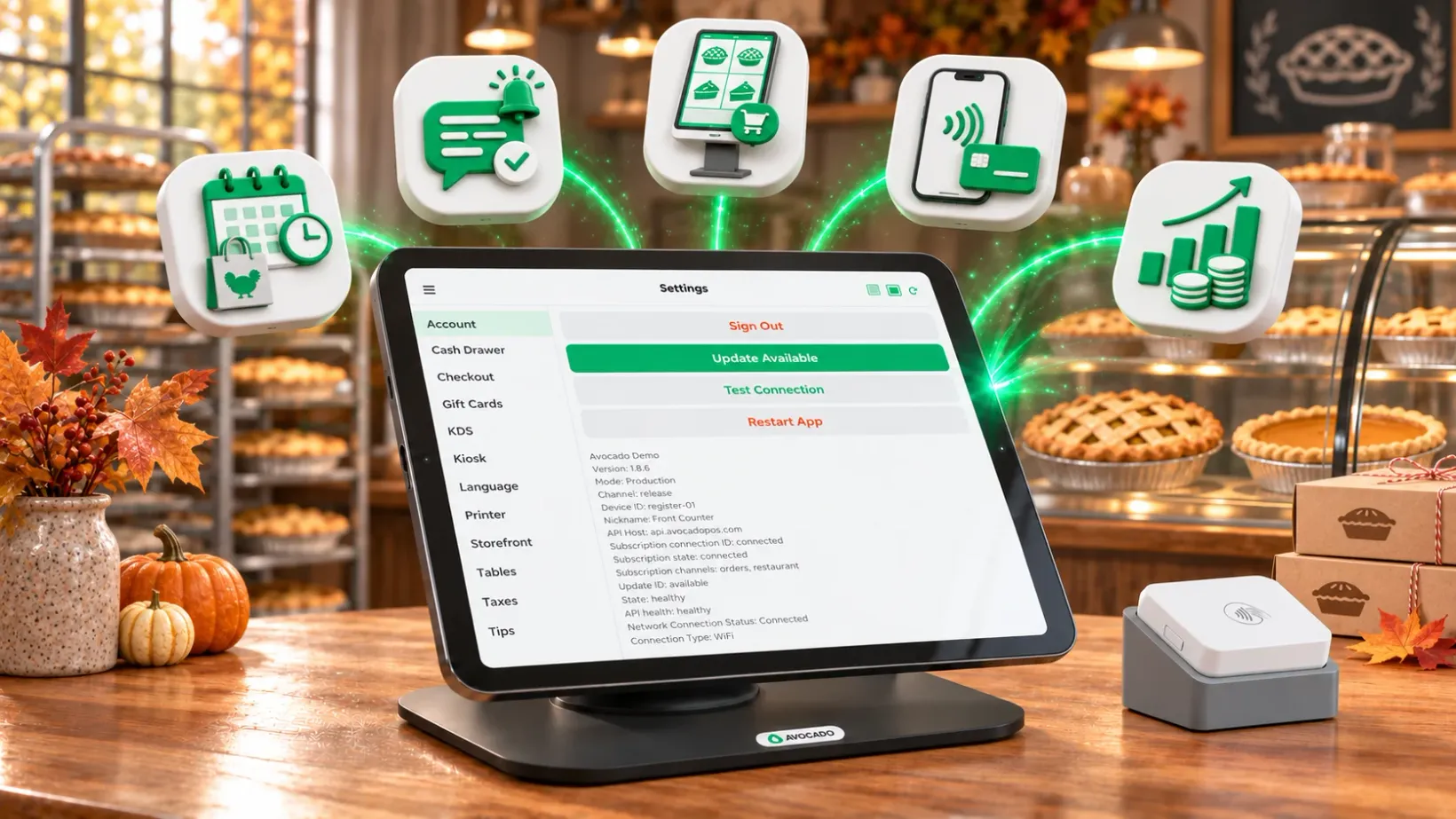
October’s Avocado updates make scheduled online ordering and pickup clearer for restaurants and their customers. We also redesigned the self-service kiosk, added Tap to Pay on iPhone, and made third-party payout totals easier to see.
Make Thanksgiving preorders easier with scheduled pickup
Whether you are selling pies, sides, or complete holiday meals, taking orders ahead gives your team a clearer picture of what to prepare. With scheduled online ordering, customers can choose an available pickup time and, where applicable, select their pickup location at checkout.
After ordering, customers see the scheduled time and pickup location in their confirmation, along with any pickup instructions. That gives them a useful reference when they are planning their holiday and helps them find the right handoff point.
Scheduled ordering depends on your menu and available opening periods. Check your holiday hours, menu, lead times, and pickup instructions before sharing your ordering link. For restaurants using table codes, eligible dine-in customers can also choose a scheduled time when scheduling is enabled.
Send confirmations and reminders for scheduled orders
Eligible scheduled online orders receive a text confirmation with the scheduled time, pickup location when applicable, and a link to the order. Eligible scheduled POS and online orders can also receive a reminder one hour before the scheduled time.
Reminders require a customer phone number and an order scheduled more than two hours ahead. Canceled or completed orders do not receive a reminder. These messages help customers keep their pickup details handy while your team focuses on preparing orders.
Plan your holiday preorder menu
Start with the items your kitchen can prepare consistently, set pickup windows that match your capacity, and make any pickup instructions clear. Share your online ordering link with customers early so they have time to plan. If you need help getting your setup ready, contact Avocado support.
A simpler self-service kiosk for restaurant guests
We redesigned the customer-facing kiosk experience to make the path from menu to checkout easier to follow. Guests can browse categories, open an item to choose options, and review their cart before paying.
The updated menu puts categories and items together in a clear view. The item screen presents customization choices and quantity controls, while a dedicated cart screen lets guests review their selections and adjust quantities before checkout.
For counter-service restaurants and cafés, a clear self-service flow gives guests another way to place an order while the team handles the rest of the shift. Learn more about Avocado’s restaurant ordering and POS features.
Accept contactless payments with Tap to Pay on iPhone
Food trucks, pop-ups, and restaurants can use Tap to Pay on iPhone to accept contactless payments without a separate card reader. Customers can tap a contactless card or digital wallet on a compatible iPhone.
Getting started is simpler too: merchants can sign up in the Avocado app, complete payment account setup, and choose a reader during onboarding. Explore Tap to Pay on iPhone for food vendors for details and use cases.
See third-party payout totals in your sales summary
When orders come from multiple channels, understanding where money came from matters. The dashboard sales summary now shows third-party payout totals, giving you another useful figure when reviewing your sales.
Get your restaurant ready for the holidays
Already using Avocado? Review your scheduled ordering and pickup settings before opening Thanksgiving preorders. If you need a hand with setup or the new kiosk experience, contact our support team.
New to Avocado? Book a walkthrough to see how online ordering, payments, and kitchen operations can work together. You can also catch up on September’s product updates.